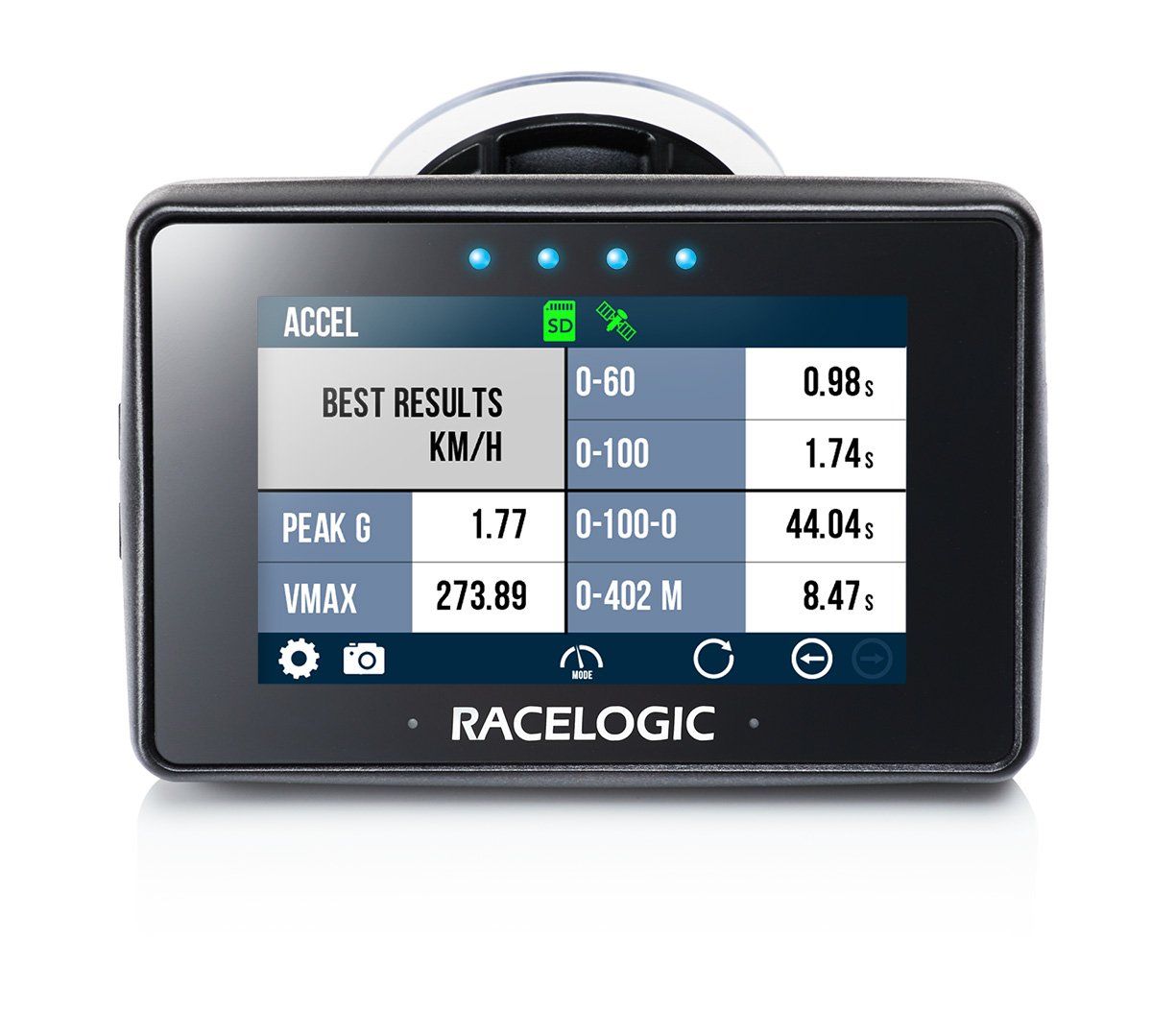
Performance Box Touch Units
This page contains an overview of the Performance Box Touch hardware. It will show the unit and explain the connectors and LEDs.
Performance Box Touch is a data logging device. It features an integrated touchscreen interface that is used to navigate menus, control logging, and view results.
The unit contains internal GNSS capability and supports connection to an external antenna for improved performance.
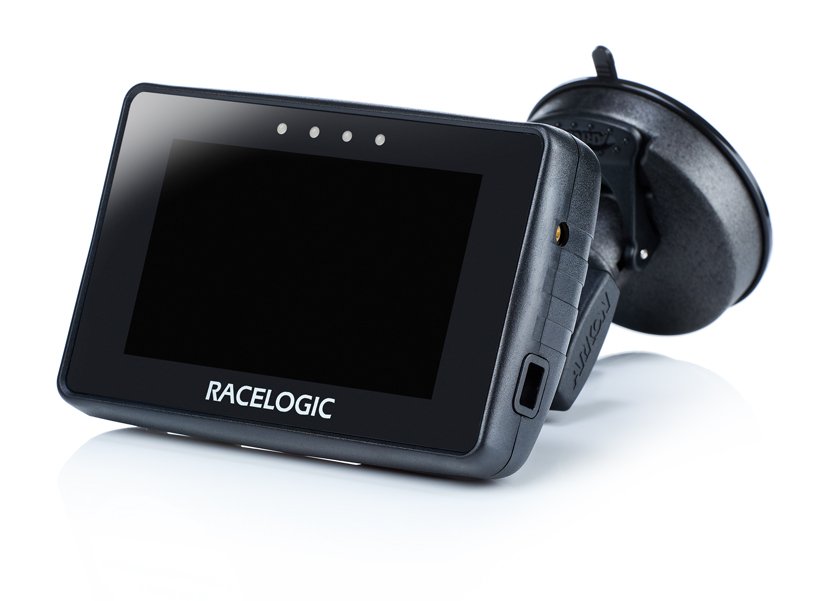
This page contains an overview of the Performance Box Touch hardware. It will show the unit and explain the connectors and LEDs.
Performance Box Touch is a data logging device. It features an integrated touchscreen interface that is used to navigate menus, control logging, and view results.
The unit contains internal GNSS capability and supports connection to an external antenna for improved performance.
Internal GNSS Antenna
The internal GNSS antenna provides positional and speed data to the unit.
Connectors
Right Side of Unit
Refer to the Performance Box Touch Pinouts page for more detailed connector information.
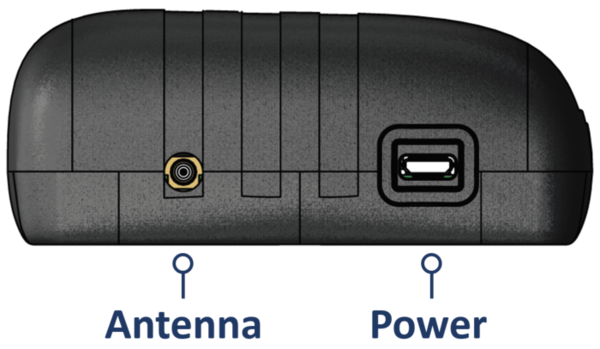
Antenna
If you are struggling to maintain a stable satellite lock using only the internal GNSS antenna, you can connect an external GNSS antenna (optional) to the antenna port.
Power
The power port is used to connect the unit to a vehicle power supply.
The unit requires a stable power connection to operate and record data during testing.
The unit powers on automatically when connected to a power source.
Left Side of Unit
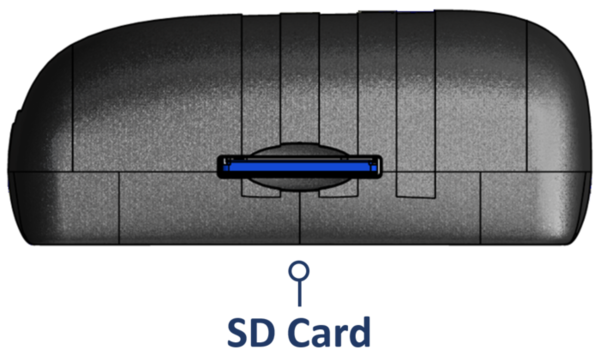
SD Card Slot
The SD card slot on the left side panel of the unit is used to insert the SD card, where all logged data is recorded and saved.
LEDs
Performance Box Touch has 4 LEDs above the display. These LEDs are contextual feedback indicators tied to system state, user actions, and test behaviour, and they can flash in different colours and different patterns depending on the process the unit is performing.
Refer to the User Interface page for more details about the different LED behaviours.