
Sign In |

ADAS

Updated on Apr 14, 2026

ADAS Mode

Off

ADAS mode is disabled. This is the default option.
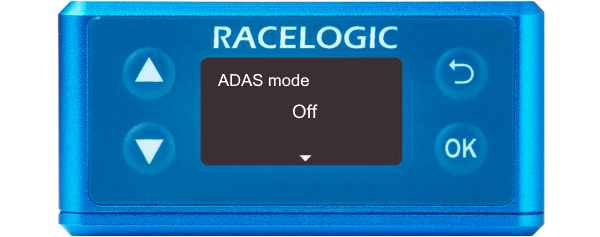
Illustration of a VBOX 3iS showing the ADAS Mode screen with Off selected.

ADAS mode is disabled. This is the default option.
Illustration of a VBOX 3iS showing the ADAS Mode screen with Off selected.

1 Target

Configures VBOX 3iS for 1-target mode.
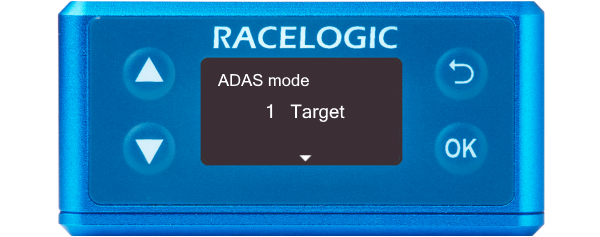
Illustration of a VBOX 3iS showing the ADAS Mode screen with 1 Target selected.

Configures VBOX 3iS for 1-target mode.
Illustration of a VBOX 3iS showing the ADAS Mode screen with 1 Target selected.

2 Target

Configures VBOX 3iS for 2-target mode.
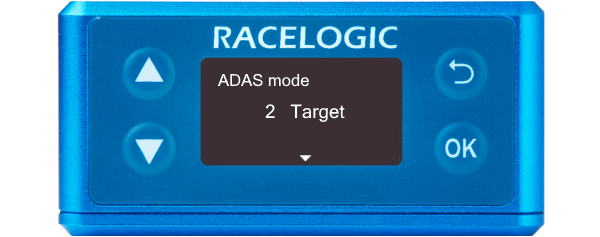
Illustration of a VBOX 3iS showing the ADAS Mode screen with 2 Target selected.

Configures VBOX 3iS for 2-target mode.
Illustration of a VBOX 3iS showing the ADAS Mode screen with 2 Target selected.

3 Target

Configures VBOX 3iS for 3-target mode.
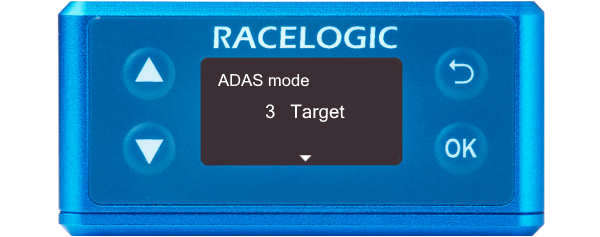
Illustration of a VBOX 3iS showing the ADAS Mode screen with 3 Target selected.

Configures VBOX 3iS for 3-target mode.
Illustration of a VBOX 3iS showing the ADAS Mode screen with 3 Target selected.


ADAS Function

Target 1

Configures VBOX 3iS as 'Target Vehicle 1'.
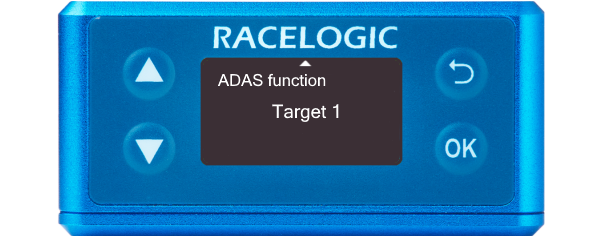
Illustration of a VBOX 3iS showing the ADAS Function Screen with Target 1 selected.

Configures VBOX 3iS as 'Target Vehicle 1'.
Illustration of a VBOX 3iS showing the ADAS Function Screen with Target 1 selected.

Target 2

Configures VBOX 3iS as 'Target Vehicle 2'.
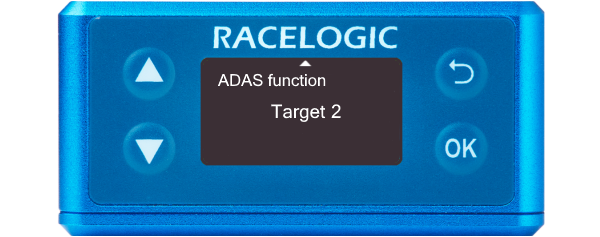
Illustration of a VBOX 3iS showing the ADAS Function Screen with Target 2 selected.

Configures VBOX 3iS as 'Target Vehicle 2'.
Illustration of a VBOX 3iS showing the ADAS Function Screen with Target 2 selected.

Target 3

Configures VBOX 3iS as 'Target Vehicle 3'.
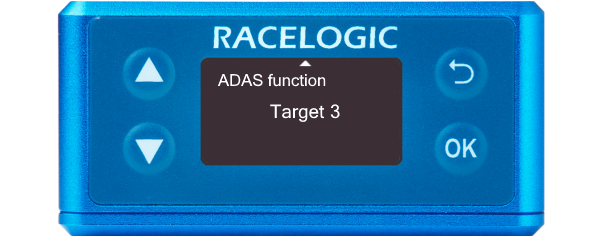
Illustration of a VBOX 3iS showing the ADAS Function Screen with Target 3 selected.

Configures VBOX 3iS as 'Target Vehicle 3'.
Illustration of a VBOX 3iS showing the ADAS Function Screen with Target 3 selected.